
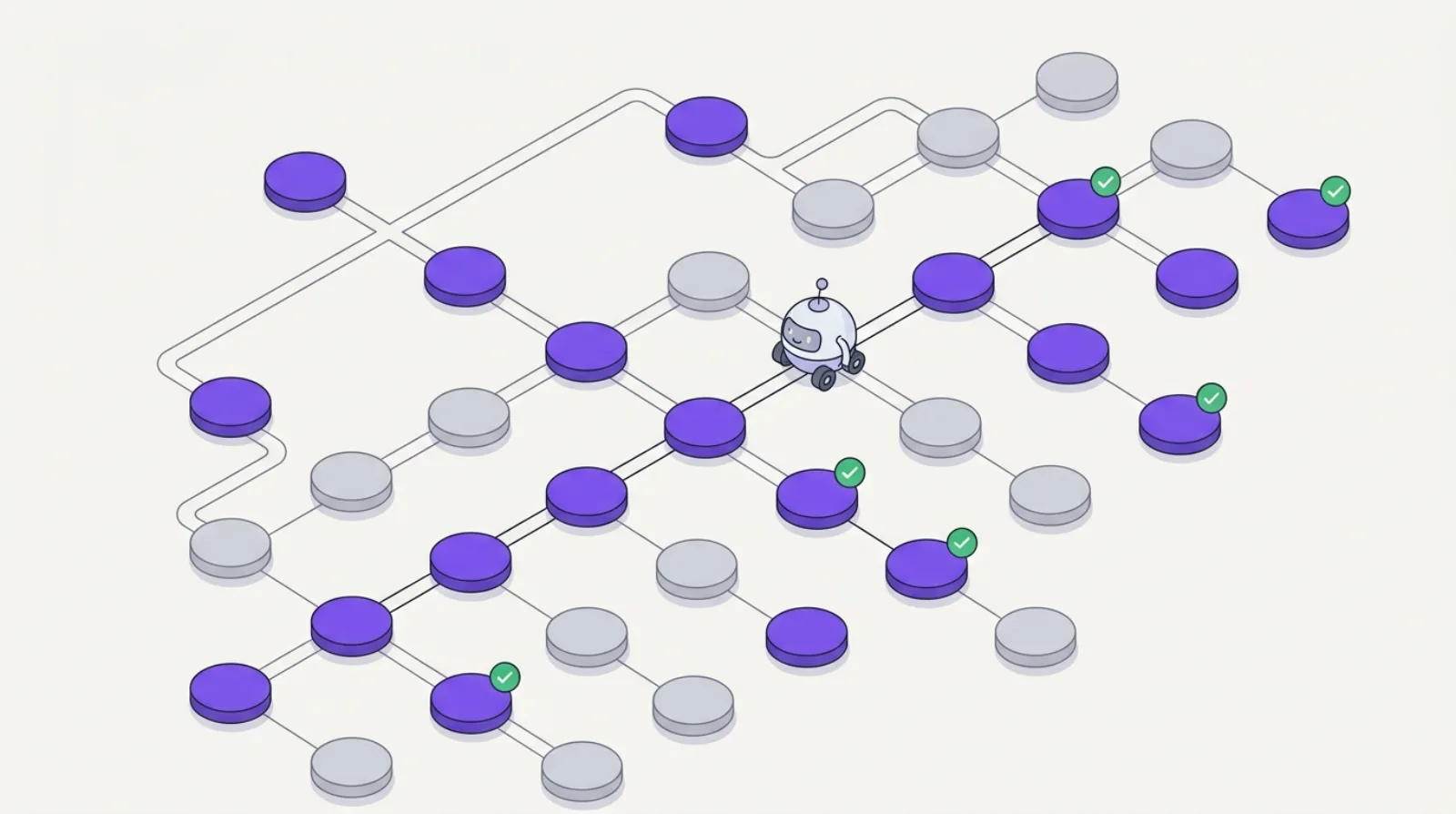
Crawl budget is one of the most overlooked topics in technical SEO, yet it directly determines what Google indexes (and therefore what AI engines can read on your site). If Google doesn't crawl a page, it's not indexed. If it's not indexed, it won't appear in SERPs or in ChatGPT and Perplexity answers.
This guide explains how crawl budget works, which pages waste it, and the 5 optimizations that help Googlebot (and AI crawlers) explore your site efficiently.
What Is Crawl Budget Exactly?
Crawl budget is the number of pages Googlebot is willing to crawl on your site within a given time window. It's determined by two factors:
- Crawl rate limit: how often Google can crawl your site without overloading it. Depends on server speed and your Search Console settings.
- Crawl demand: Google's interest in your site. A site with many inbound links, updated regularly, with frequently visited pages → high crawl demand.
In practice: Google crawls pages based on their perceived popularity. New pages, pages linked by others, and frequently updated pages are prioritized. Orphan pages (no internal links pointing to them) or rarely changed pages are crawled less often, or never.
For SaaS and e-commerce sites: if your site has 500 pages but 150 are auto-generated filter pages or thin content, you're wasting 30% of your crawl budget on worthless pages. What Googlebot doesn't crawl, it doesn't index, and what AI engines can't read can't be cited in their answers.
The 3 Crawl Budget Wasters to Fix First
1. 4xx and 5xx Errors
Every page returning a 404, 410, or 5xx error consumes crawl budget with zero benefit. Googlebot visits the page, receives an error, and moves on, but the quota is consumed.
Fix: audit your server logs (or use Screaming Frog) to identify broken URLs still receiving crawls. Return a 410 (Gone) for permanently deleted pages rather than a 404, Google deindexes them faster.
2. Redirect Chains
A chain A → B → C consumes 3x more budget than a direct path to C. Beyond 3 redirects, Googlebot often abandons the chain.
Fix: identify all your redirects with a crawler (Screaming Frog, Ahrefs) and consolidate them into direct A → C redirects. Common case: successive migrations where redirects accumulate over years.
3. Duplicate and Thin Content Pages
Auto-generated pages (e-commerce filter pages with URL parameters, pagination pages, empty tag pages) can multiply the number of URLs without creating value. If you have an e-commerce site with 10 possible filters and 3 values each, you easily generate 1,000 unique URLs for the same 50 products.
Fix: use <link rel="canonical"> to consolidate duplicate pages toward their canonical version. Block useless parameters in robots.txt or via <meta name="robots" content="noindex"> on low-value pages.
The 5 Core Optimizations
1. Well-configured robots.txt
A correctly configured robots.txt tells Googlebot (and GPTBot, Anthropic-AI, PerplexityBot) which areas not to crawl. This preserves your budget for high-value pages.
User-agent: *
Disallow: /admin/
Disallow: /checkout/
Disallow: /search?
Disallow: /tag/
Important: robots.txt is not a guarantee of zero indexation. It prevents crawling, but a page can still appear in SERPs if it's linked by other sites. To block indexation, use noindex.
2. Unambiguous Canonical Tags
Every page should point to itself with <link rel="canonical" href="https://your-site.com/this-page/"> unless it's explicitly a variant (deprecated mobile version, pagination page).
Common mistake: circular canonicals (A points to B which points to A) or incorrect self-canonicals (the page /product/?color=red declares itself canonical instead of /product/).
3. Clean XML Sitemap
A properly maintained XML sitemap is the most direct way to signal to Google which pages you want indexed. Rules:
- Include only URLs returning a 200 with a matching canonical
- Exclude
noindexpages, redirects, and parameterized URLs - Keep
<lastmod>dates current for regularly updated pages
Submit your sitemap in Search Console and verify it contains no errors.
4. Strategic Noindex
Any page you don't want appearing in Google should have <meta name="robots" content="noindex, follow">. The follow is important: it allows Googlebot to follow internal links from the page even if it's not indexed itself.
Noindex candidates: filter pages, pagination pages beyond page 2, order confirmation pages, private user profile pages, tag pages with < 3 articles.
5. Consistent Internal Link Structure
Googlebot discovers new pages by following internal links. An orphan page (no internal links pointing to it) may never be crawled, even if it's in the sitemap.
Concrete action: verify that every new page is linked by at least 2–3 existing pages with traffic. The most important pages (pillars of your content architecture) should receive links from the main nav or footer.
The GEO Impact: AI Engine Crawlers
In 2026, generative search engines have their own crawlers:
- GPTBot (OpenAI): crawls public sites for ChatGPT Search answers and training
- Anthropic-AI (Anthropic / Claude): crawler for Claude
- PerplexityBot: Perplexity AI crawler
- Google-Extended: Google's specific crawler for AI models (Gemini)
These crawlers respect robots.txt. If you've blocked Googlebot on certain sections, AI crawlers are often blocked too, by User-agent: * rules. If you want to be cited by AI engines but not indexed by Google on certain pages, you need to manage rules by specific User-agent.
Practical rule: a site that's hard for Google to crawl is hard for AI engines to crawl. Optimizing your crawl budget for Google has a direct effect on your visibility in ChatGPT, Perplexity, and Google AI Overviews answers.
Concrete Example: B2B SaaS Site with 500 Pages
A typical diagnosis for a 500-page SaaS:
| Page type | Count | Issue |
|---|---|---|
| Key product pages | 20 | Well-crawled ✅ |
| Blog articles | 80 | Crawled correctly ✅ |
| Auto-generated filter pages | 150 | Duplicate content, missing noindex ⚠️ |
| Pagination pages (/page/2, /page/3…) | 60 | No noindex or canonical ⚠️ |
| Uncleaned 404 error pages | 40 | Consuming budget with no value ❌ |
| Public user profile pages | 150 | Thin content, often duplicated ❌ |
Result: only 100 pages out of 500 (20%) have real SEO value. The other 400 waste crawl budget and dilute quality signals sent to Google.
After correction (noindex on filters + pagination, cleaning 404s, canonical on profiles):
- Crawl budget freed for the 100 high-value pages ≈ +40% re-crawl frequency on priority pages
- Faster re-indexation of new articles (Googlebot returns faster because budget is no longer wasted)
Key Takeaways
- Crawl budget is only critical if your site exceeds ~1,000 pages or has auto-URL generation issues
- The 3 priority wasters: 4xx/5xx errors, redirect chains, thin content pages without noindex
- The 5 optimizations: clean robots.txt, unambiguous canonicals, maintained XML sitemap, strategic noindex, consistent internal links
- AI crawlers (GPTBot, PerplexityBot, Anthropic-AI) respect robots.txt, optimizing for Google also optimizes your GEO visibility
- An uncrawled page = an unindexed page = a page invisible to SERPs and AI engines
Want to know how your site's crawl budget is performing? Run your free /100 audit, the SeAudit report includes a dedicated section on crawl and indexation analysis.
FAQ
My site has 100 pages: is crawl budget a problem?
No. Crawl budget is only critical beyond ~1,000 pages, or if you have known issues with auto-URL generation (e-commerce with filters, community sites with profiles). Under 500 well-structured pages, Googlebot generally crawls everything within a few days.
Robots.txt vs noindex: what's the difference?
Robots.txt prevents crawling but not indexation (a page blocked in robots.txt can still appear in SERPs if it's linked). Noindex prevents indexation but allows crawling (Googlebot reads the page to follow its links). Use both depending on your objective.
How do I check which pages Google has indexed?
In Google Search Console (Page Indexing report), or via the site:your-domain.com operator in Google. The difference between the number of pages on your site and the number indexed by Google is a direct indicator of your crawl health.
Do AI crawlers have their own budgets?
Yes, but less documented than Google's crawl budget. GPTBot and PerplexityBot crawl at a much lower frequency than Googlebot. If you want to be cited quickly by AI engines, make sure your key pages are accessible and not blocked in robots.txt, and that they're well-indexed by Google (a trust proxy for AI crawlers).