
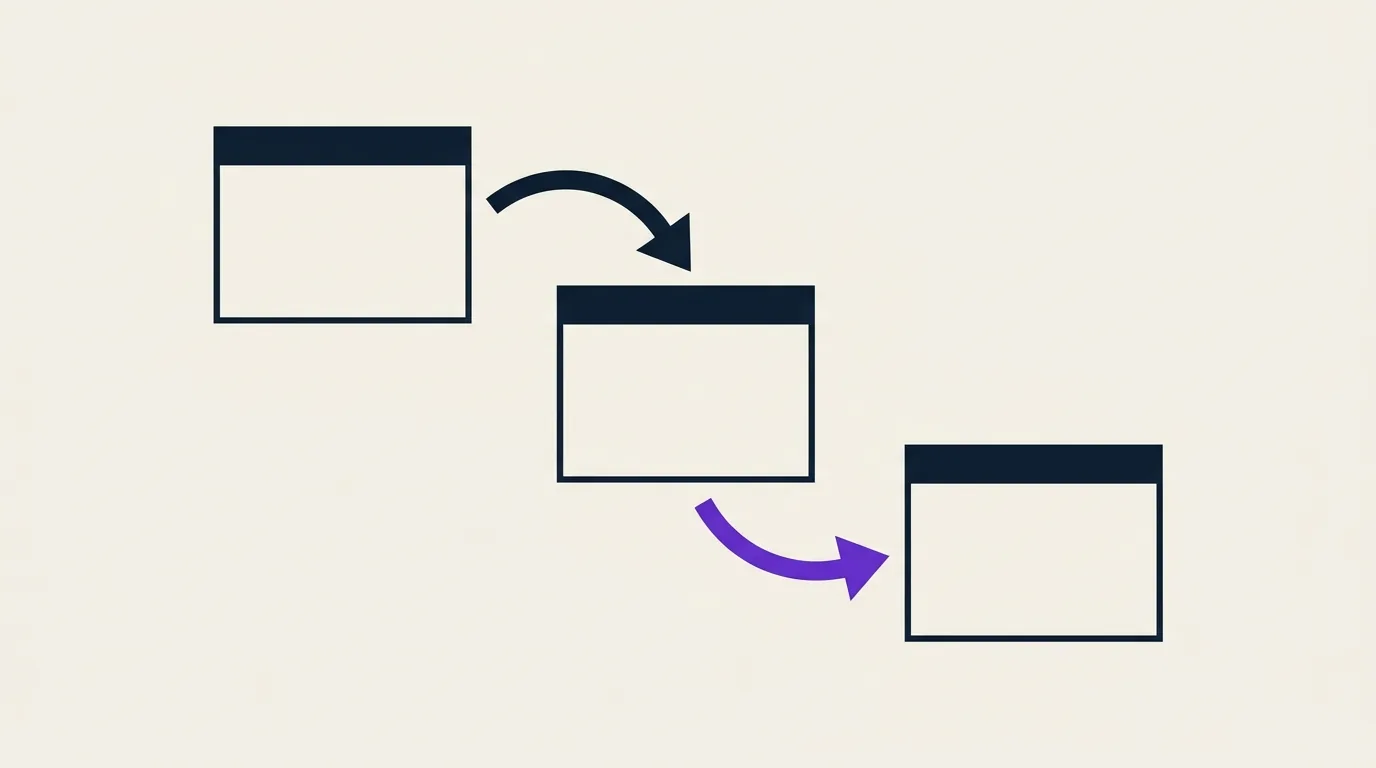
HTTP redirects are one of those rare SEO techniques where a silent error can destroy months of work overnight. A botched domain migration, a redirect chain that stretches across five hops, a 302 where a 301 was expected, and you lose PageRank, rankings, and traffic without ever seeing an error message in Google Search Console.
This guide covers everything: the difference between 301, 302, 307, and 308, redirect chains, the impact on AI bots (GEO), and a 10-point migration checklist you can use before your next launch.
Why Redirects Impact SEO
When a URL changes, Google needs to understand that the old and new URLs are the same resource. That's the role of redirects: transmitting that signal.
Three vectors of direct SEO impact:
PageRank. Inbound links (backlinks) point to the old URL. The redirect transfers a portion of that PageRank to the new URL. Google today transfers approximately 99% of PageRank on a properly configured 301 redirect, but this transfer isn't instantaneous (several crawl cycles may be required) and degrades with each additional hop in a chain.
Crawl signal. Googlebot has a limited crawl budget per site. Each redirect consumes two requests instead of one (request to old URL + request to new URL). Multiplying unnecessary redirects nibbles at your crawl budget.
UX and behavioral signals. A redirect adds browser-side latency. On mobile, even 100ms of extra delay is felt in bounce rates. Core Web Vitals (LCP, CLS) are measured on the final page after the redirect, but the DNS/network delay of the redirect adds to total load time.
301, 302, 307, 308: Which One to Use?
301 Moved Permanently
This is the default SEO redirect. It tells the search engine the move is permanent and that all signals (PageRank, link anchors) should be transferred to the new URL.
HTTP/1.1 301 Moved Permanently
Location: https://example.com/new-url
Use 301 for:
- HTTPS migration (all http:// URLs to https://)
- Permanent domain change
- URL restructuring (e.g. /blog/2024/post → /blog/post)
- Removing or adding a trailing slash (per your convention)
- www / non-www consolidation
302 Found
A 302 signals a temporary move. Google doesn't transfer (or transfers minimal) PageRank and keeps the original URL in its index, it assumes the old URL will return soon.
HTTP/1.1 302 Found
Location: https://example.com/temporary-url
Use 302 for:
- Temporary page maintenance
- A/B testing on an alternative URL (even then, prefer client-side split testing)
- Conditional redirect by language or geography (GeoIP)
Classic mistake: using 302 by default because it's the behavior of some CMS or frameworks. Always verify the actual HTTP code returned with curl -I https://your-url.com.
307 Temporary Redirect and 308 Permanent Redirect
These two codes are the modern equivalents of 302 and 301, with one crucial difference: they preserve the HTTP method. A 301 can transform a POST into a GET (a historically tolerated browser behavior). A 308 preserves the POST.
For pure SEO, the difference is minimal, Google treats 301 and 308 identically for PageRank transfer. However, if you're redirecting API endpoints or forms, prefer 307/308.
| Code | Duration | HTTP method preserved | SEO use |
|---|---|---|---|
| 301 | Permanent | Not guaranteed | ✅ Recommended (web pages) |
| 302 | Temporary | Not guaranteed | Temporary cases only |
| 307 | Temporary | Yes | APIs, forms |
| 308 | Permanent | Yes | Permanent APIs, forms |
Redirects and GEO: Do AI Bots Follow Redirects?
In 2026, the main AI crawlers, GPTBot (OpenAI), ClaudeBot (Anthropic), PerplexityBot, Google-Extended, follow 301 and 302 redirects, much like Googlebot.
What server logs show:
- GPTBot and ClaudeBot follow 301s preserving standard headers
- They respect crawl delays (
Crawl-Delayin robots.txt) - They do not follow meta-refresh redirects or pure JavaScript redirects (e.g.
window.location.href = ...), they expect an HTTP response
Concrete GEO implication: if you've migrated a URL to a new one and redirect chains remain, AI bots may not reach the final page or crawl it with lower priority. To be cited in ChatGPT or Perplexity answers, your canonical URLs must be directly accessible with a 200 OK response, with no intermediate hops.
Check your logs with a filter on User-Agent: GPTBot or ClaudeBot to see if these crawlers encounter redirects before reaching your important pages.
Redirect Chains: Why They Kill PageRank
A redirect chain is when URL A → URL B → URL C → URL D. Each additional hop:
- Dilutes PageRank. Google loses a fraction of signal at each hop. Across a 3-hop chain, you can lose 10 to 15% of cumulative PageRank.
- Consumes crawl budget. Each URL in the chain requires a separate request.
- Slows down users. Each hop adds network latency. On a 5-redirect chain (a real case observed after a sloppy migration), you easily measure 400–600ms of additional latency.
Concrete case with data: an e-commerce site with 50 URLs in 3-hop chains (old promo URLs → new categories → new subcategories) lost an average of 18% visibility on its destination pages in the 60 days following the migration, according to GSC data. After cleaning up the chains (direct A → D redirect), visibility recovered to 95% within 45 days.
How to Detect Chains
Screaming Frog: Spider mode → "Redirect Chains" tab. Filter by "3xx" and sort by number of hops. Any URL with ≥ 2 hops needs fixing.
Google Search Console: The URL Inspection tool gives you the canonical URL as seen by Google. If it differs from what you expect, look for a chain.
curl from command line:
curl -I -L --max-redirs 10 https://your-site.com/old-page
The -L flag follows all redirects. Count the HTTP/ lines in the response.
Simple rule: every redirect must point directly to the final URL (200 OK). If A needs to go to D, configure A → D, not A → B → C → D.
Redirects and Site Migrations: Pre-Launch Checklist
Before putting any migration live (domain, HTTPS, URL restructure), validate these 10 points:
- Map all existing URLs, full crawl of the current site with Screaming Frog or Sitebulb. Export the list to CSV.
- Identify high-traffic / high-PageRank URLs, GSC + Ahrefs sorted by impressions and backlinks. These are your priority URLs.
- Create a 1:1 mapping file, old URL → new URL. Every high-value URL must have an exact match, not a redirect to the homepage.
- Configure redirects server-side (nginx, Apache, .htaccess, CDN), never via JavaScript or meta-refresh.
- Test redirects in staging, verify each old URL returns a 301 to the right destination, and that the destination is 200 OK.
- Verify the absence of chains, no URL should go through more than one hop.
- Update the XML sitemap, list only final URLs (200 OK). Remove all old URLs.
- Update internal links, point directly to the new URLs in HTML rather than letting old links get redirected.
- Notify Google via GSC, submit the new sitemap and use the Address Change tool if you're changing domains.
- Monitor crawling for 30 days, in GSC, check index coverage, 404 errors appearing on non-redirected URLs, and pages excluded due to redirects.
Real-World Cases
HTTP → HTTPS Migration
The most common migration. The rule is simple: all HTTP URLs must return a 301 to their HTTPS equivalent. No 302, no redirect only on the homepage.
Standard nginx configuration:
server {
    listen 80;
    server_name example.com www.example.com;
    return 301 https://example.com$request_uri;
}
Also check: SSL certificate (HSTS enabled?), mixed content in HTML, static resources (images, CSS, JS) still served over HTTP.
Domain Change
The riskiest migration. The domain's overall PageRank doesn't automatically transfer, redirects must be maintained for at least 12 months for Google to consolidate signals. The "Change of Address" tool in GSC speeds up the process.
Critical points:
- Redirect both the root domain AND www
- Keep redirects active even after full consolidation
- Manually re-submit important backlinks (contact referring site owners)
URL Architecture Restructure
Example: migrating a Magento store from /catalog/product/view/id/12345 URLs to SEO-friendly /shoes/adidas-stan-smith-white URLs.
The temptation is to redirect everything to the homepage for simplicity. That's the worst possible decision, you lose all the PageRank of product pages. 1:1 mapping is mandatory. On 5,000 URLs, that takes 2-3 days, time well invested.
How to Audit Your Redirects
Google Search Console:
- "Pages" report → "Redirect" filter: URLs Google found in redirect state
- "Pages" report → "Not found (404)" filter: old URLs without redirects
- URL Inspection tool: verify the actual canonical URL seen by Google
Screaming Frog (technical crawl):
- Spider mode on current site → export 3xx
- "Redirect Chains" tab → identify chains
- "List" mode to test a list of old URLs → verify destinations
curl / httpie: for testing individual URLs quickly from the command line, without installing additional tools.
Ahrefs Site Audit / Semrush Site Audit: detect redirect chains, redirects to 404 pages, and redirect loops.
Get your score /100 to see if your site has redirect chains, missing 301s, or poorly executed migrations, the report flags priority issues in seconds.
Key Takeaways
- 301 = permanent (transfers PageRank) / 302 = temporary (doesn't transfer). Don't mix them up.
- Each hop in a chain dilutes PageRank and slows down crawlers, including AI bots.
- GPTBot, ClaudeBot, and PerplexityBot follow HTTP redirects but not JavaScript redirects.
- A migration without 1:1 mapping of high-value URLs almost certainly means traffic loss.
- Keep domain redirects active for a minimum of 12 months post-migration.
FAQ, HTTP Redirects and SEO
How long does it take Google to transfer PageRank after a 301?
Generally between 2 and 8 weeks, depending on the site's crawl frequency and the authority of the URLs involved. For frequently crawled URLs (homepages, heavily linked pages), the transfer can be effective within days. For deeper URLs, it can take 2-3 months.
Does a 301 redirect transfer 100% of PageRank?
Google has stated since 2016 that 301 redirects no longer lose PageRank, the transfer is close to 100%. In practice, you observe temporary losses during the consolidation period, and permanent losses on redirect chains or redirects where the destination content changes too dramatically.
What happens if I remove a 301 redirect after 6 months?
If Google has updated its index (new URL properly indexed, old links processed), removing the redirect shouldn't cause major issues. But if external backlinks still point to the old URL, you lose those signals. The safe rule: maintain redirects indefinitely or for at least 12 months.
How do I avoid redirect loops?
A loop occurs when A → B → A. Screaming Frog detects this immediately (error: "Redirect Loop"). The cause is usually conflicting rewrite rules. Always test your rules in staging before going live.
Are JavaScript redirects recognized by Google?
Google can follow them, but with a significant delay (days to weeks vs. a few hours for an HTTP redirect). AI bots (GPTBot, ClaudeBot, PerplexityBot) generally don't follow them at all. Always prefer a server-side HTTP redirect.