
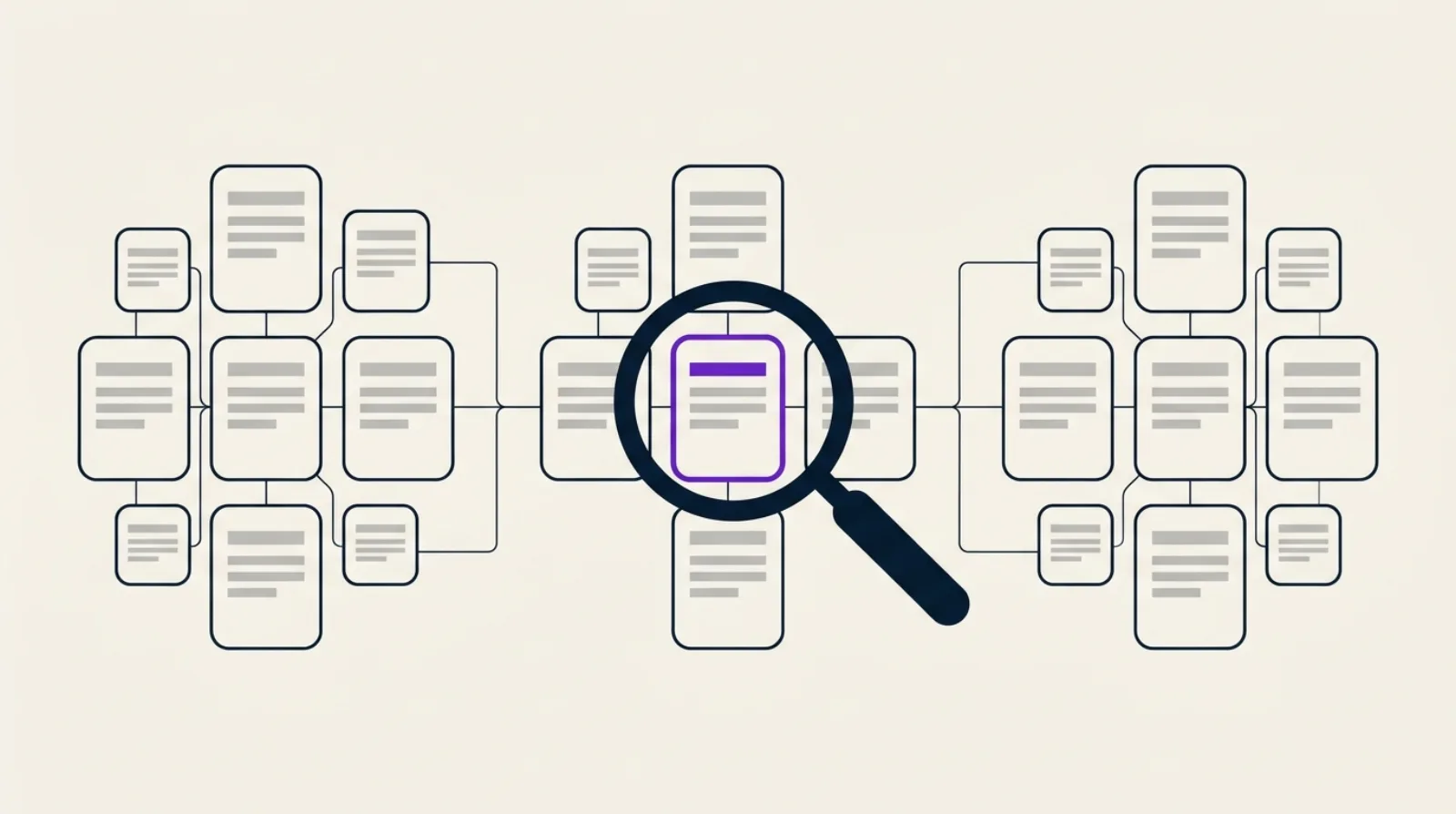
Your site publishes pages, but Google doesn't always know which one to show, and AI engines don't know which one to cite. That's the problem a semantic audit solves: it doesn't hunt for a broken tag, it checks that every page has a clear intent, that every intent has exactly one page, and that your site really covers the topics it claims to cover.
This guide gives you a 6-step method you can run with Google Search Console and a spreadsheet, plus a decision grid to know what to create, improve or merge.
What is a semantic audit?
A semantic audit is an analysis of a site's content against the queries and search intents it targets. It answers three questions: which query does each page carry, does that page satisfy the dominant intent behind the query, and which topics is the site missing to be considered complete in its field.
It doesn't replace a technical audit. The two complement each other:
| Technical audit | Semantic audit | |
|---|---|---|
| Question asked | Is the site crawlable, fast, indexable? | Do the pages answer the right queries? |
| What it analyzes | Code, server, tags, performance | Content, queries, intents, topical linking |
| Deliverable | List of issues to fix | Page-to-query map and create / optimize / merge decisions |
| Starting tool | Crawler | Search Console + spreadsheet |
If you want to check the technical side first, the complete SEO audit checklist covers it.
Step 1: gather the data
Export the last 3 months of data from Google Search Console by page and by query (the "Page" and "Query" dimensions). In a spreadsheet, add one row per page/query pair with four columns: impressions, clicks, CTR and average position.
Then separate branded queries (those containing your site name) from non-branded ones. Branded queries measure awareness, not semantic coverage, and leaving them in skews every figure.
Finally, list every indexable URL on your site with its type: guide, product page, category, service page, blog post.
Step 2: map one page to one intent
For each page, note the main query, meaning the one generating the most impressions, and its intent:
- Informational: the person wants to understand or learn.
- Comparative: they're weighing several options.
- Transactional: they want to buy or sign up.
- Navigational: they're looking for a specific site.
Then check the query's real intent by looking at the results page. If Google mostly shows practical guides while your page is a sales page, that gap usually explains a weak ranking. It's the most common mistake: picking a query that makes sense on paper while the results expect a different format.
Step 3: spot conflicts between pages
Two problems come up almost every time.
Cannibalization. Several pages on your site rank for the same query and split the impressions. In your spreadsheet, filter queries that appear on at least two URLs, each with meaningful impressions. The signals: the ranking page flips from one week to the next, and none of them gets past the bottom of page one.
Misalignment. The page ranks, but for a query whose intent isn't the page's own. It collects impressions without clicks, because the title promises something other than what the person was looking for.
For each conflict, pick one "owner" page for the topic. The others become either supporting pages that link to it, or merge candidates.
Step 4: measure topical coverage
Take a core topic of your site, for example "SEO audit". List the subtopics a serious reader expects to find: method, tools, frequency, cost, common mistakes, edge cases. Compare against your existing pages.
A missing subtopic is a coverage gap. A subtopic handled in a few lines is shallow coverage. The right benchmark is the pages already ranking at the top: if every well-placed competitor covers a section you don't, your page will be judged incomplete.
To find subtopics without a paid tool, use Google's "People also ask" questions and the queries in your own Search Console that have no dedicated page.
Step 5: decide to create, optimize or merge
Every row in your spreadsheet ends with one decision:
| Situation | Decision | Main risk |
|---|---|---|
| Query with real demand, no page | Create a page | Cannibalizing a neighboring page |
| Well-aligned page, position 8 to 20 | Optimize: title, sections, examples | Losing an existing ranking by rewriting too much |
| Two pages on the same query | Merge into the stronger one, redirect the other | Losing traffic if the redirect is done badly |
| Page with no impressions for months | Retire or redirect | Removing a page that acted as internal support |
| Page already well ranked and aligned | Leave it alone | None |
To prioritize, cross three criteria: expected impact (query volume), effort (new content or a light edit) and risk (page already ranking or not). Start with low-risk edits on pages in positions 8 to 20: they're the quickest wins.
For cleaning up pages with no traffic, the content pruning guide details the procedure. And to find more precise queries to target, the long-tail keyword strategy fits well with this step.
Step 6: make pages usable by AI engines
AI answer engines don't cite a whole page: they extract a passage. A modern semantic audit therefore also checks extractability.
For each strategic page, check three points:
- A direct answer in the first two sentences under each section heading.
- One idea per paragraph, so the passage stays understandable once isolated.
- Explicit definitions and figures, with their source, rather than vague wording.
A heading phrased as the reader's own question, followed by a short answer, is the easiest format to cite.
A numbers example (fictional, to illustrate the method)
Imagine a site with 40 articles. After the Search Console export, the spreadsheet shows:
- 6 queries are carried by 2 or more pages: 6 decisions to merge or to name an owner page;
- 9 pages sit in positions 8 to 20 with real impressions: 9 title and section edits;
- 11 pages received no impressions in 3 months: 11 candidates for retirement or redirect;
- 4 subtopics of the core theme have no page: 4 creations.
Instead of publishing 10 random new articles, you have a ranked plan of 30 actions, only 4 of which are new content. These numbers are made up for the example: yours will depend on your site.
How often should you redo a semantic audit?
Once a quarter is enough for most sites, and after any content overhaul or repositioning. Between audits, only watch queries in positions 8 to 20 and new pages that get no impressions after a few weeks.
Key takeaways
- A semantic audit ties each page to a query and an intent, where a technical audit looks for anomalies.
- Search Console and a spreadsheet are enough for a first pass.
- Every spreadsheet row ends in a decision: create, optimize, merge, retire or leave alone.
- Checking passage extractability also prepares your pages to be cited by AI engines.
Want to see where your site stands before you start? Get your /100 score for free, or see a sample report to know what to expect.