
Why Search Console Doesn't Tell You the Whole Truth
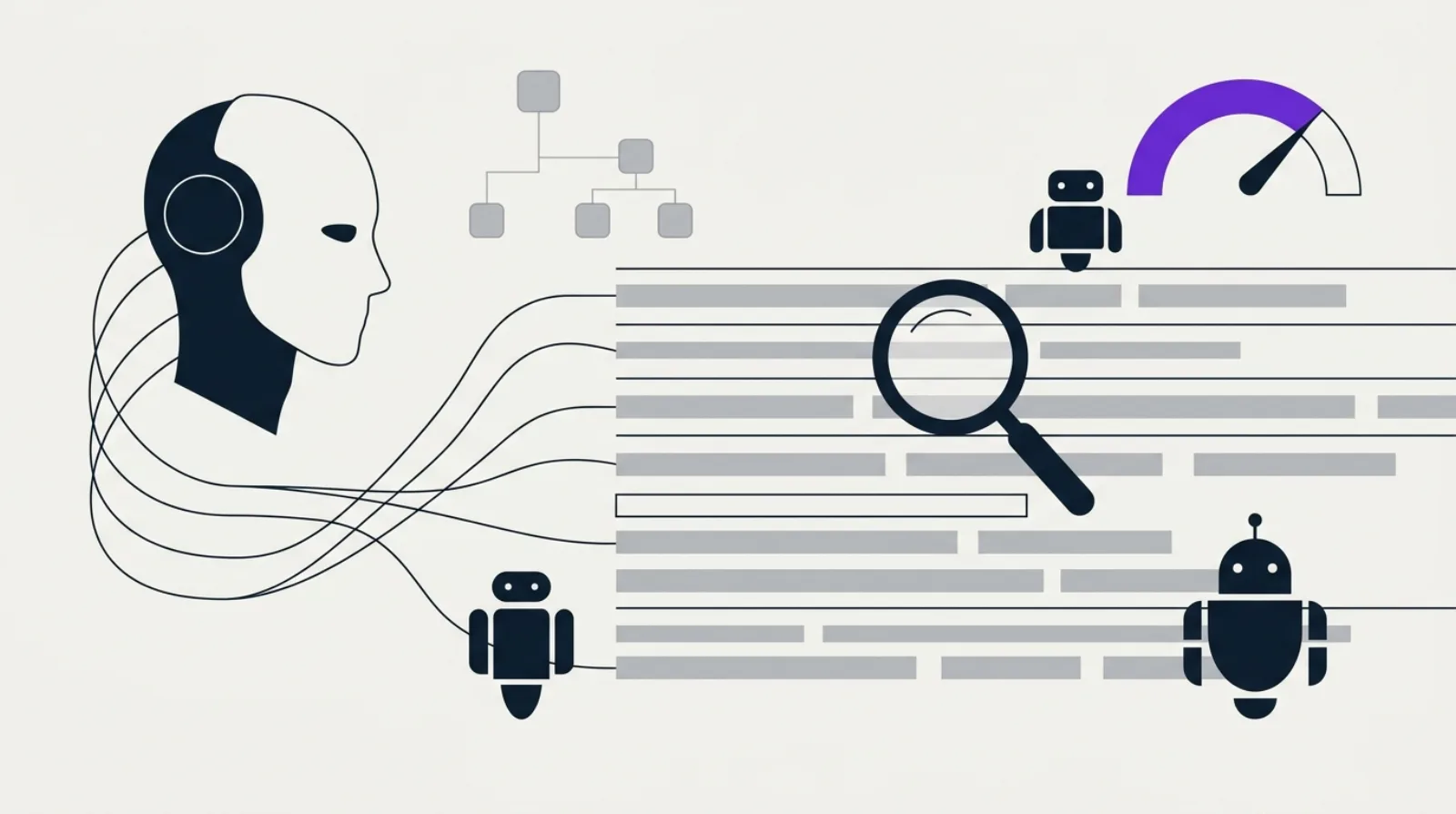
Google Search Console shows you impressions, clicks, and positions. What it never shows you: what crawlers actually did on your server, request by request. How many times Googlebot hit your product page yesterday. Whether GPTBot scanned your documentation this morning. Whether PerplexityBot actually fetched your latest article before citing it, or not.
That information exists. It's already sitting on your server, in a file almost nobody looks at: the access log (access.log). Every line records a real HTTP request, unfiltered, unsampled, with zero processing delay. It's the only source that shows raw crawler behavior, humans excluded, bots included, including the ones Google Analytics quietly ignores.
In 2026, this source of truth has become strategic for one precise reason: the number of bots visiting your site has exploded, and they no longer all behave the same way. Your robots.txt declares rules. Your logs show what actually happened.
The Three Bot Families You Need to Distinguish
Before opening a single log file, you need to know what you're looking for. Bot traffic in 2026 splits into three categories with radically different stakes.
| Category | Examples | What they do | Impact if blocked |
|---|---|---|---|
| Indexation | Googlebot, Bingbot | Crawl to build the search index | Disappearance from search results |
| Training | GPTBot, ClaudeBot, meta-externalagent | Collect content to train future models | Absence from future model versions (delayed impact) |
| Real-time retrieval | OAI-SearchBot, PerplexityBot, ChatGPT-User | Fetch a specific page to answer a question asked right now | Immediate invisibility in AI answers |
Confusing these three families is the most common mistake. Blocking GPTBot has zero effect on what ChatGPT answers today, that effect only shows up in a future model version. Blocking PerplexityBot, on the other hand, makes you invisible on Perplexity immediately, because that bot fetches the page live at the moment of the user's query.
What Logs Actually Reveal: A Concrete Example
A documented case from early 2026: a B2B SaaS content publisher analyzed three weeks of logs and found that ChatGPT-User had visited 138 different URLs on their site, with 353 requests on the homepage alone during that window. None of this showed up in Google Analytics, nor in Search Console, which only reports Googlebot.
This kind of data changes a content strategy. If ChatGPT-User keeps coming back to three specific pages on your site, those are likely the ones feeding the most cited answers, and therefore the ones to enrich first (up-to-date figures, clear structure, direct answers at the top of sections).
Another number worth knowing, cited across several 2025-2026 analyses: the crawl-to-citation ratio varies enormously from one bot to another. ClaudeBot can crawl several thousand pages for every single real visit it generates back to the source site, while Googlebot stays much closer to a 5-pages-crawled-per-1-click ratio. Understanding this ratio, bot by bot, lets you make a call: is it worth letting a crawler eat up bandwidth if it generates almost no direct return?
The Fields to Extract From Your Logs
A raw server log (Apache, Nginx) contains, line by line, everything needed for this analysis. Here are the essential fields:
| Field | Example | Purpose |
|---|---|---|
timestamp | 01/Jul/2026:14:32:07 | Detects spikes or drops in crawl frequency |
client_ip | 66.249.66.1 | Used to verify the bot's real identity |
user_agent | Googlebot/2.1 | Identifies the declared bot (careful: forgeable) |
uri | /blog/my-article/ | Shows which pages are crawled or ignored |
status_code | 200, 404, 429, 500 | Flags errors that waste crawl budget |
The most misused field is user_agent. A User-Agent: GPTBot string in a request proves nothing: any script can claim to be GPTBot. A documented case from late 2024 showed a stealth crawler impersonating a legitimate search engine while ignoring robots.txt rules entirely. The only reliable verification combines two methods: reverse DNS resolution of the IP (it must resolve back to the bot's official domain, e.g. googlebot.com) and cross-checking against the IP lists published by each operator (mandatory for ClaudeBot, which doesn't always offer reliable reverse DNS).
A 5-Step Method for Your First Log Audit
- Export a 2-4 week window of logs (
access.log), either raw or via your CDN's dashboard (Cloudflare, Fastly, and AWS CloudFront have all offered an "AI traffic" or "bot analytics" view since 2025). - Filter and verify: isolate lines containing "bot", "crawler", "spider" in the user-agent, then verify the IP of strategic bots (Googlebot, GPTBot, ClaudeBot, PerplexityBot) via reverse DNS or the official IP list.
- Segment by bot and by category (indexation / training / real-time) to compare request volumes.
- Cross-reference with status codes: spot URLs stuck in a loop of 404, 410, or 5xx responses, these are wasted crawls that deliver neither indexation nor citation.
- Identify crawled orphan pages: if a bot visits a URL that no internal link points to, that page shows up in no standard tool, only the log reveals it.
For a one-off analysis on a small site, a spreadsheet or a parsing script is enough. At a monthly volume of several thousand lines, the reference tool remains Screaming Frog's Log File Analyser, which automates IP verification and groups requests by URL template. For very high-volume sites (several million lines), platforms like Botify or Oncrawl let you cross-reference logs and crawl data at scale.
The robots.txt Decision Table by Bot Category
Once your log audit is done, you know who's really crawling your site. What's left is deciding who to allow. This table summarizes the tokens to use in your robots.txt based on category and the effect of blocking:
| Category | Example bot | robots.txt token | Effect of blocking |
|---|---|---|---|
| Indexation | Googlebot | Googlebot | Removal from the search index |
| Training | GPTBot, ClaudeBot | GPTBot, ClaudeBot | Exclusion from future models (delayed) |
| Real-time retrieval | OAI-SearchBot, PerplexityBot | OAI-SearchBot, PerplexityBot | Immediate invisibility in AI answers |
A study covering the web's top domains estimated that a large majority have no AI-specific rules in their robots.txt at all, they either block everything indiscriminately (losing GEO visibility) or allow everything without distinction (leaking bandwidth with no return at all). Your log analysis lets you step out of both extremes and configure a selective strategy, as detailed in our crawl budget and indexation guide.
The Most Common Mistakes
- Trusting the user-agent without IP verification, trivially forgeable, especially for newer AI crawlers.
- Lumping all AI bots into one bucket, a training bot (delayed impact) and a real-time retrieval bot (immediate impact) call for opposite decisions.
- Using
noindexto save crawl budget, this directive controls indexation, not crawling. The bot still consumes resources even though the page will never be indexed. - Ignoring faceted navigation, e-commerce filter combinations can generate millions of crawlable URLs, absorbing most of the crawl budget on large catalogs.
- Never revisiting the analysis, new AI crawlers keep appearing; an analysis frozen in 2025 already misses 2026's newcomers.
This type of analysis mainly matters for large sites (several thousand pages and up, e-commerce catalogs, high volume of new pages). For a small brochure site, the priority remains the complete SEO audit before fine-grained log analysis.
Key Takeaways
- Server logs are the only source showing crawlers' actual activity, unfiltered, unlike Search Console, which only reports Googlebot, and Google Analytics, which excludes bots.
- Always distinguish the three bot families: indexation, training, real-time retrieval. Their impact if blocked differs radically.
- Never trust the user-agent alone: verify the IP via reverse DNS or an official list before making a configuration decision.
- A log audit reveals blind spots invisible anywhere else: crawled orphan pages, budget wasted on faceted URLs, AI bots consuming bandwidth while never sending traffic back.
- This analysis delivers the most value on large or fast-growing sites, not necessary for a site with a few dozen pages.
FAQ, Server Log Analysis for SEO and GEO
Do I need a paid tool to analyze my logs?
No, not at first. For a first audit on a modest-sized site, a log export plus a filtering command (grep, awk) is enough to isolate user-agents containing "bot". Tools like Screaming Frog Log File Analyser become useful once you're dealing with several thousand lines a month.
What's the difference between GPTBot and ChatGPT-User?
GPTBot crawls to train future OpenAI models, blocking it doesn't affect ChatGPT's current answers. ChatGPT-User fetches a page in real time to answer a specific question, blocking it has an immediate effect on your visibility in today's answers.
Do AI bots execute JavaScript like Googlebot?
Generally, no. Most training and retrieval AI crawlers read raw HTML without executing client-side JavaScript. A site heavily dependent on client-side rendering (CSR) can therefore be well indexed by Google while remaining invisible to several AI crawlers, see our JavaScript SEO guide.
How often should you analyze your logs?
A monthly review is a good cadence for a high-activity site. For a smaller site, a quarterly audit is usually enough, except after an unexplained drop in organic traffic.
Does this analysis replace Google Search Console?
No, it complements it. Search Console remains essential for tracking on Google's side. Log analysis provides what Search Console will never show: the real behavior of every other bot, including the AI crawlers that increasingly matter for your GEO visibility.
Want to know if your site is leaking crawl budget without realizing it? Get your score /100, the SeAudit audit analyzes your crawlability, your robots.txt, and your technical SEO and GEO signals in minutes. To go further with a full analysis including detailed recommendations, check out the complete PDF report.